When owner non-payment starts putting pressure on the rest of the
payment chain, the paperwork needs to be organized fast. Blue Crane
gives you a cleaner place to gather the project, invoice, and service
details before the notice package moves downstream. Blue Crane Works in Hamilton, Ontario publishes this worksheet free.
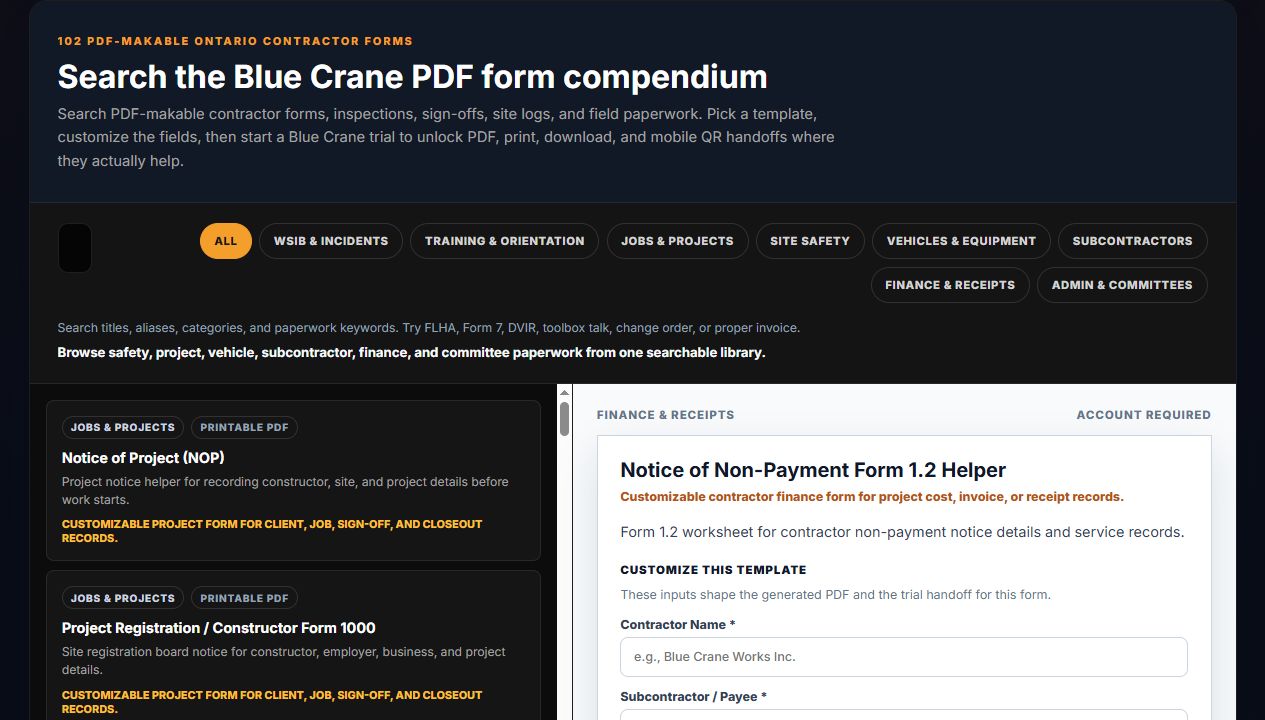
Actual Blue Crane Form 1.2 preview from the tools library.
When this page helps
This page fits the moment when a contractor needs to pull the
project and invoice record together around a non-payment issue before
the notice package is drafted and served.
Owner-side payment disputes
Downstream notice preparation
Service and recordkeeping cleanup
What to gather first
Strong notice prep starts with a complete record, not just the form title.
Project name and contract chain
Proper invoice and owner issue details
Subcontractor being served
Service, delivery, and support notes
Timeline context
These notices sit inside strict Ontario prompt payment timelines.
Use this generator to organize the record, then review the deadline
context carefully before anything goes out.