If your job may need a Notice of Project, the fastest way to get
moving is to gather the constructor, site, and schedule details in
one place before the paperwork starts spreading across inboxes and
job folders. Blue Crane Works in Hamilton, Ontario publishes this worksheet free.
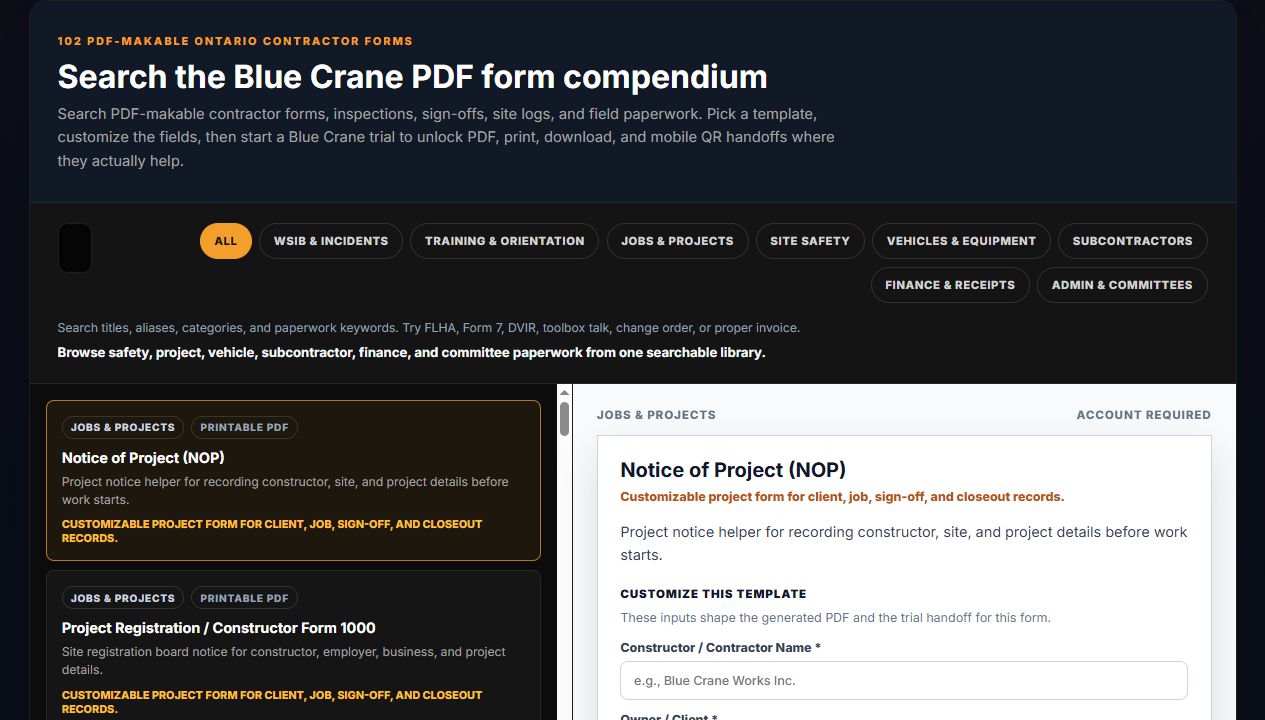
Actual Blue Crane Notice of Project preview from the tools library.
When this page helps
This page is meant for the setup moment: when a project is about to
start, a site posting package is being prepared, or the team needs a
cleaner record of constructor and project details.
Project startup paperwork
Site posting prep
Constructor or employer detail gathering
What to collect first
The more complete the job setup information is, the easier it is to
move from the worksheet into the final document package.
Project address and description
Constructor or employer names
Expected start and finish dates
Emergency and site contact details
Compliance context
Filing triggers and posting obligations depend on current Ontario
rules and on the actual project conditions. Use this page to
organize the details, then verify the filing requirements for the job.
It helps collect the project, constructor, and site details in a
clean format so the team has a structured starting point for the NOP workflow.
Can I use it before I know every project detail?
Yes. Many teams use it first as a worksheet, then tighten the
details once the site contacts, dates, and posting plan are confirmed.
Where should I check the rule details?
Start with the Ontario-specific guide linked on this page and then
confirm the current filing and posting requirements for the project.
Next Step
Get the NOP details into one project-ready record
Open the NOP tool, map the project details, and keep the record close
to the rest of your startup paperwork instead of rebuilding it from scratch later.